
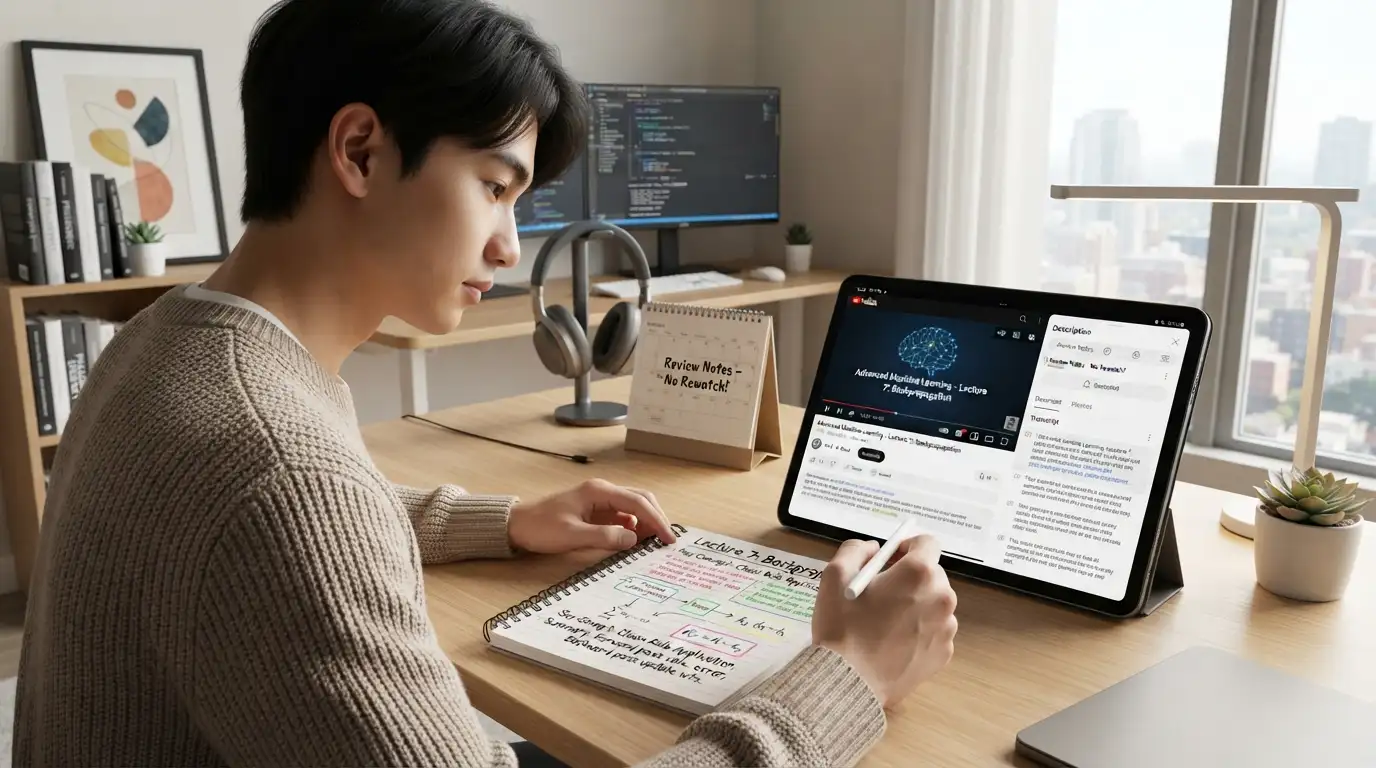
How to Make Notes From YouTube Lectures (Without Watching Twice)
You watch a 45-minute lecture. It makes total sense while it plays. Two days later you open your notebook and find three lines and a doodle.
Sound familiar? The problem isn’t the lecture, or you. It’s that watching and writing at the same time is hard, and most of us end up doing neither well.
Here’s a method that fixes it.
Step 1: Watch once, properly
First time through, don’t take notes. Just watch at normal speed (or 1.25x if the teacher talks slowly) and follow the ideas.
The only thing you write is timestamps. When something feels important or confusing, jot the time: “12:40 – Newton’s third law example”. That’s it.
If YouTube’s recommendations keep pulling you into other videos, open the lecture in our Cookie-Free YouTube Player instead. No cookies, no tracking, no sidebar full of distractions. Just the video.
Step 2: Grab the transcript
Most lectures have captions, even auto-generated ones. On desktop, open the video on YouTube, click “…more” under the description, then “Show transcript”. Copy the text into a document.
Auto captions are messy: no punctuation, some wrong words. That’s okay. You’re not submitting it. You’re using it as raw material.
Step 3: Turn the transcript into a summary
A 45-minute transcript can be 6,000 words or more. Nobody’s revising from that.
Paste it into the AI Text Summarizer and get the main ideas in a page. Then read that summary next to your timestamps. Do the parts you flagged show up? If something you marked as important is missing, go back to that timestamp and add it yourself.
This step is where you actually learn. You’re checking, filling gaps, and deciding what matters.
Step 4: Rewrite it into your own notes
Now build the notes you’ll revise from. A simple layout:
- Topic heading at the top.
- Key definitions in a box.
- Main points as short bullets, in your own words.
- One worked example from the lecture.
- Questions you still have, at the bottom.
If you’d rather start from a cleaner draft, the Study Notes Generator turns the summary into structured notes. Just don’t skip the part where you read and correct them. Notes you never touched are notes you won’t remember.
Step 5: Test yourself within 24 hours
Close everything. On a blank page, write what you remember about the lecture. Then check against your notes.
Whatever you missed is what you study next. This “blank page” trick sounds too simple to work, but it’s one of the most reliable study methods there is.
How long does this take?
For a 45-minute lecture: about 45 minutes watching, plus 20 to 30 minutes for steps 2 to 5. Compare that to watching it three times and still feeling unsure.
A few honest warnings
- AI summaries miss things. Especially diagrams, equations and anything the teacher shows on a board but doesn’t say out loud. Always add those yourself.
- Auto-captions get technical words wrong. “Mitosis” might come out as “my toes is”. Fix those in your notes.
- Don’t summarise lectures you haven’t watched. It feels efficient. It isn’t. You’ll have notes with no understanding behind them.
Works for more than lectures
The same method works for podcast episodes, recorded Zoom classes, documentary clips for a history project, and conference talks for a research paper.
FAQ
What if the video has no captions? Take notes during a second watch, using your timestamps to jump straight to the important parts.
Can I download the lecture to watch offline? If the creator allows it and it’s for personal study, check YouTube’s terms first. YouTube Premium also offers offline viewing in the app.
Is it better to handwrite or type notes? Handwriting tends to help memory. Typing is faster. Many students type the draft and handwrite a one-page summary for revision.