
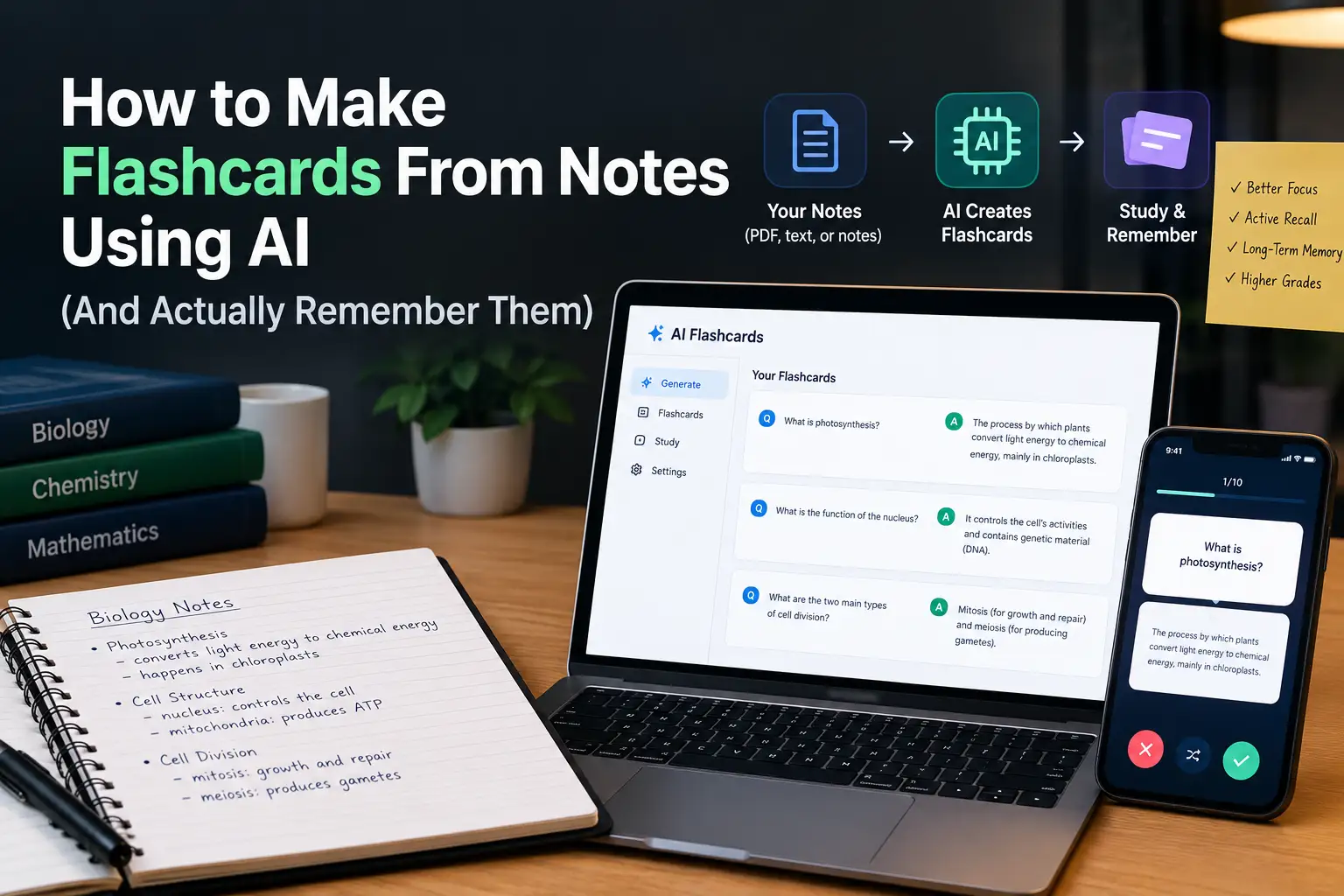
How to Make Flashcards From Notes Using AI (And Actually Remember Them)
Making flashcards by hand is great for memory. It’s also painfully slow. By the time you’ve written 80 cards for one Biology chapter, the exam is next week and you haven’t reviewed a single one.
AI can do the slow part in seconds. But there’s a catch: if you let it do everything, you’ll end up with a pile of cards that don’t help much. Here’s how to get the balance right.
Why flashcards work in the first place
Flashcards force you to recall an answer instead of just re-reading it. Pulling information out of your memory is what makes it stick. Re-reading your notes feels productive, but it mostly builds familiarity, not memory.
So the goal isn’t “have flashcards”. It’s “practise remembering”.
Step 1: Clean up your notes first
Garbage in, garbage out. If your notes are half sentences and arrows, the flashcards will be confusing too.
Spend ten minutes tidying the section you want to study. If your notes are really scattered, paste them (or the textbook section) into the Study Notes Generator to get a clean, point-wise version first.
Step 2: Generate the cards
Paste the clean notes into the Flashcard Generator. You’ll get question-and-answer pairs in seconds.
Work in small chunks. One topic or half a chapter at a time gives you better cards than dumping an entire textbook in at once.
Step 3: Edit every card (don’t skip this)
This is the step that makes AI flashcards work. Go through each card and ask:
- Is the question clear on its own? “What does it do?” is useless in two weeks. “What do mitochondria do in a cell?” works.
- Is the answer short? One fact per card. If the answer is a paragraph, split it into two or three cards.
- Is it correct? AI makes mistakes. Check anything that looks off against your textbook.
- Does it matter? Delete cards on trivia your exam will never ask.
Editing also counts as studying. You’re reading every fact and deciding whether it’s important.
Step 4: Add a few cards of your own
AI is good at definitions and facts. It’s weaker at the things your teacher emphasised or the mistakes you keep making. Add five or six cards for those. They’ll often be the most useful ones in the deck.
Step 5: Review with spacing
The magic isn’t in the cards. It’s in when you review them.
A simple schedule:
- Day 1: Go through all the cards.
- Day 2: Only the ones you got wrong.
- Day 4: All of them again.
- Day 7: All of them.
- Day 14: All of them.
Each time, cards you know well get reviewed less, and cards you struggle with get reviewed more. This is called spaced repetition, and it’s the reason apps like Anki are so popular with medical students.
Step 6: Mix in practice questions
Flashcards are great for facts. Exams also test whether you can use those facts. Once a topic’s cards feel easy, try MCQs on the same chapter with Smart MCQ Practice. If you get questions wrong on something you “knew” from your flashcards, that’s a sign to add a card that tests understanding, not just the definition.
Good flashcard vs bad flashcard
| Bad | Good |
|---|---|
| Q: Photosynthesis? A: Plants make food using light, water, CO2, chlorophyll, produces glucose and oxygen, happens in chloroplast | Q: What are the two products of photosynthesis? A: Glucose and oxygen |
| Q: Newton’s laws | Q: State Newton’s third law. A: Every action has an equal and opposite reaction. |
| Q: What is it called when… (vague) | Q: What is the process by which water moves through a semi-permeable membrane? A: Osmosis |
How many cards per day?
Start with 20 to 30 new cards a day. It’s tempting to do 100, but the reviews pile up fast. Consistency beats volume.
FAQ
Are AI-generated flashcards accurate? Mostly, but not always. Check every card against your textbook, especially numbers and names.
Can I use flashcards for Maths? For formulas and definitions, yes. For problem solving, you still need to practise full questions.
Paper or digital? Whichever you’ll actually use every day. Digital makes spacing easier to track.