
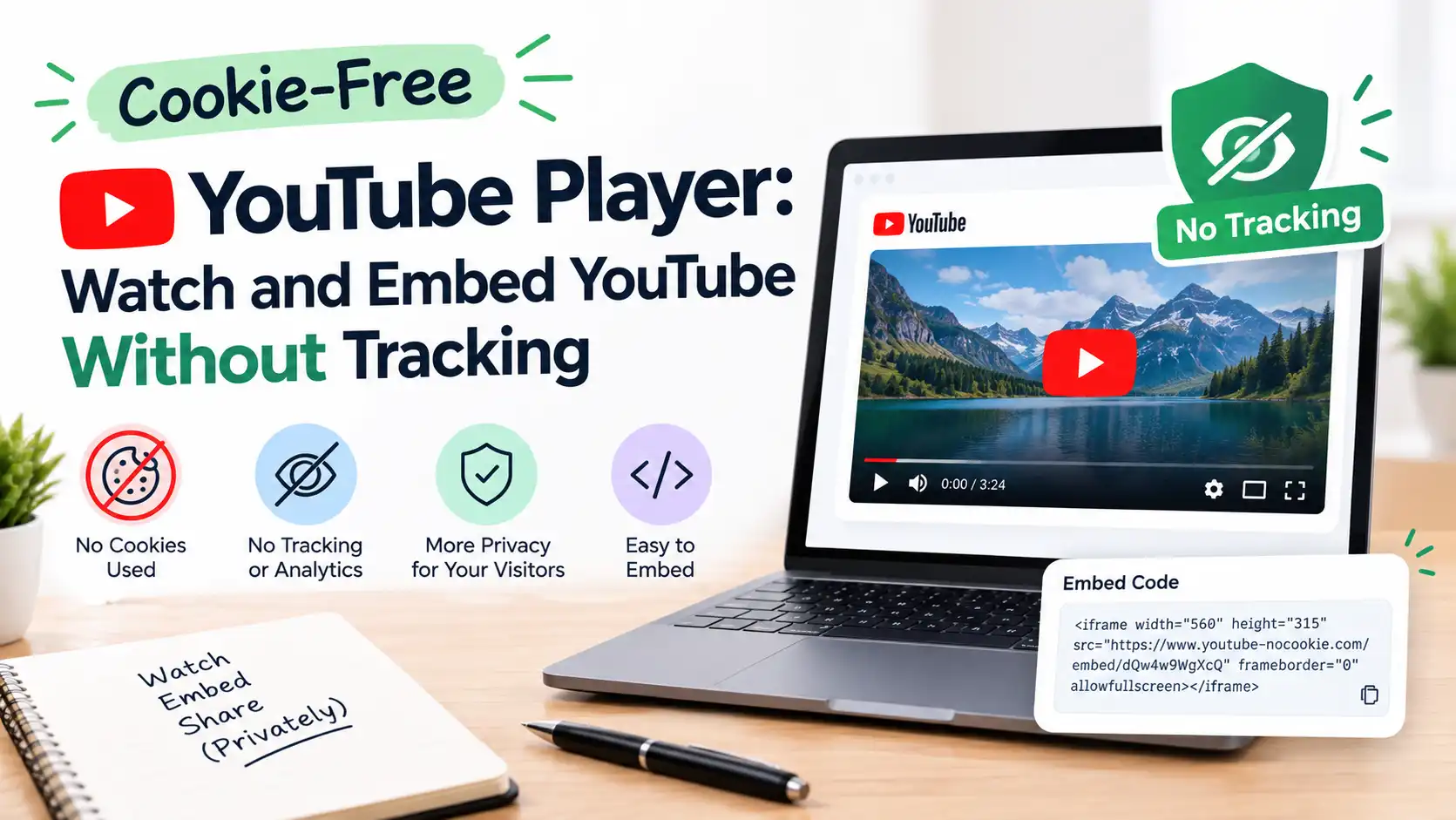
Cookie-Free YouTube Player: Watch and Embed YouTube Without Tracking
Open a normal YouTube video and within seconds you’re three videos deep into something you never meant to watch. Your homepage now thinks you love cooking shorts. And somewhere, that view has been added to your profile.
For a quick video, that’s no big deal. But if you’re a student trying to get through a lecture, or a website owner who embeds videos for visitors, it’s worth knowing there’s a quieter way to watch.
That’s what a cookie-free YouTube player is for.
What is a cookie-free YouTube player?
It’s a video player that shows a YouTube video without loading YouTube’s cookies or tracking scripts the moment the page opens.
Instead, you see a thumbnail. Nothing from YouTube loads until you click play. Only then does the video start, and it plays through YouTube’s official privacy-enhanced domain, youtube-nocookie.com.
Our free Cookie-Free YouTube Video Player works exactly like this. Paste a YouTube link or video ID, press Watch, and that’s it. No sign-up.
What is youtube-nocookie.com?
It’s not a hack or a third-party site. It’s YouTube’s own “Privacy Enhanced Mode”, and it’s been around since 2018.
According to YouTube’s help page on embedding videos, switching an embed from youtube.com to youtube-nocookie.com means your view won’t be used to personalise the ads you see elsewhere, and any ads shown in that player are non-personalised.
Most people never find this setting. It’s hidden as a small checkbox under YouTube’s embed code, and it’s off by default.
Why students use it
Fewer distractions. No homepage feed, no “up next” rabbit hole, no comments section pulling you in. Just the lecture you meant to watch.
Your recommendations stay clean. Watching an hour of organic chemistry won’t flood your YouTube home with more organic chemistry. (Or worse, with whatever you clicked after it.)
Shared computers. On a library or lab PC, you don’t want your viewing tied to whatever account was left logged in.
A tip that works well: open the lecture in the cookie-free player, take timestamps as you watch, then paste the transcript into our AI Text Summarizer or Study Notes Generator. You get the video without the noise, and notes without watching twice.
Why website owners use it
If you embed YouTube videos on a blog, school site or business page, a standard embed loads YouTube’s files and can set cookies the second someone opens your page, even if they never watch the video.
A click-to-play, cookie-free player changes that:
- Nothing loads from YouTube until the visitor chooses to play. That’s more honest with your visitors and easier to explain in a privacy policy.
- Faster pages. A thumbnail is tiny. A full YouTube iframe with its scripts is not. Pages with several videos feel noticeably quicker, which also helps your Core Web Vitals.
- Works on any site. WordPress, Next.js, React, plain HTML.
How to use it (30 seconds)
- Copy a YouTube link, for example from the Share button.
- Go to the Cookie-Free YouTube Video Player.
- Paste the link or the video ID into the box.
- Click Watch. The video loads only when you press play.
Want to do it yourself on your own site?
You can switch any embed to Privacy Enhanced Mode by changing one part of the URL:
- Before:
https://www.youtube.com/embed/VIDEO_ID - After:
https://www.youtube-nocookie.com/embed/VIDEO_ID
Or, when you click Share > Embed on YouTube, tick Enable privacy-enhanced mode before copying the code.
The extra step our player adds is the thumbnail first, so not even the nocookie iframe loads until someone clicks.
What it doesn’t do (being honest here)
We’d rather you trust us than oversell this.
- It’s not a guaranteed ad blocker. If a creator has ads on their video, YouTube may still show them. The difference is that in Privacy Enhanced Mode those ads aren’t personalised to your profile.
- Once you press play, you’re talking to YouTube. The video still streams from Google’s servers. Cookie-free means no cookies before you choose to watch, not complete invisibility.
- It’s not legal advice. Many privacy specialists say that if you run a site with EU visitors, you should still ask for consent before a video loads, even with nocookie embeds. A click-to-play thumbnail is a good start; a proper cookie banner may still be needed.
Cookie-free player vs regular YouTube
| Regular YouTube | Cookie-free player | |
|---|---|---|
| Cookies on page load | Yes | No |
| Loads YouTube before you click | Yes | No |
| Recommendations and comments | Yes | No |
| Personalised ads | Can be | Non-personalised if shown |
| Affects your YouTube history | Yes | No, per YouTube’s Privacy Enhanced Mode |
| Sign-up needed | No | No |
Is it free?
Yes. No account and no sign-up. Just paste a link and watch.
If you spend a lot of time learning from YouTube, try it on your next lecture. It’s a small change, but a surprisingly calm way to watch.
Open the Cookie-Free YouTube Player →
FAQ
Is youtube-nocookie.com safe? Yes. It’s an official YouTube domain for Privacy Enhanced Mode.
Does it work on mobile? Yes. Paste the link in your phone’s browser the same way.
Can I watch age-restricted or private videos? No. Those need you to sign in on YouTube itself.
Will my views count for the creator? Embedded plays generally count as views on YouTube, so you’re still supporting the creator.
Is it GDPR compliant? It helps by delaying cookies until play, but compliance depends on your whole site. Check with a privacy professional.